Imagine walking into a perfectly lit room after a long day, your favorite music playing softly, all without touching a single switch. This isn’t science fiction; it’s the reality that home assistant smart plugs can bring to your life. They offer an easy way to automate everyday tasks and make your home more convenient and energy-efficient.
This guide will show you how to get started, making your home smarter step-by-step. You’ll learn how to control your devices remotely, set schedules, and even integrate them with voice assistants.
Key Takeaways
- Home assistant smart plugs let you control devices remotely via your phone.
- You can schedule appliances to turn on and off automatically.
- These plugs help save energy by turning off devices you forget.
- They can be integrated with voice assistants like Alexa and Google Assistant.
- Setting up smart plugs is generally a simple and quick process.
- Smart plugs are a great starting point for home automation.
What Are Home Assistant Smart Plugs
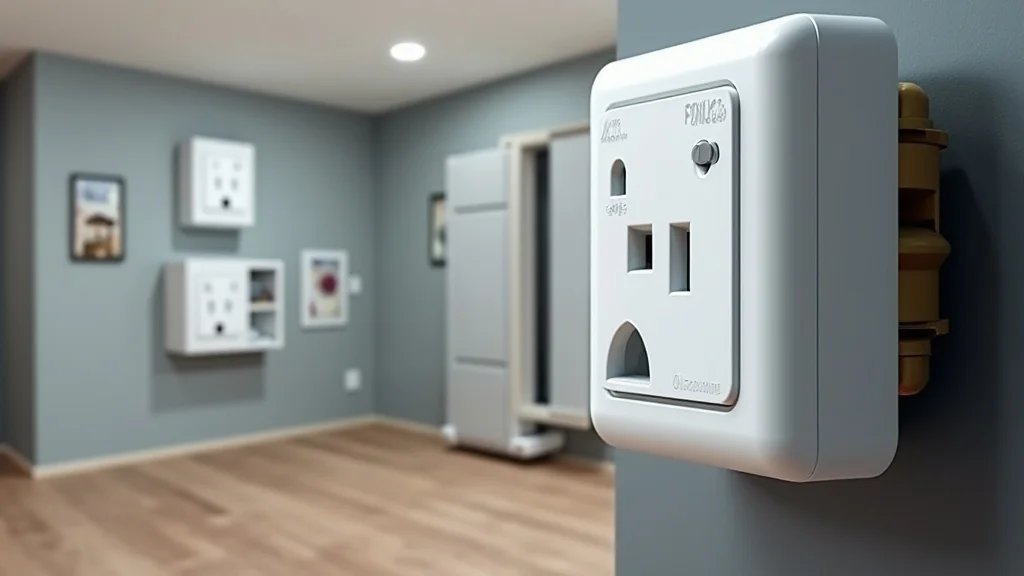
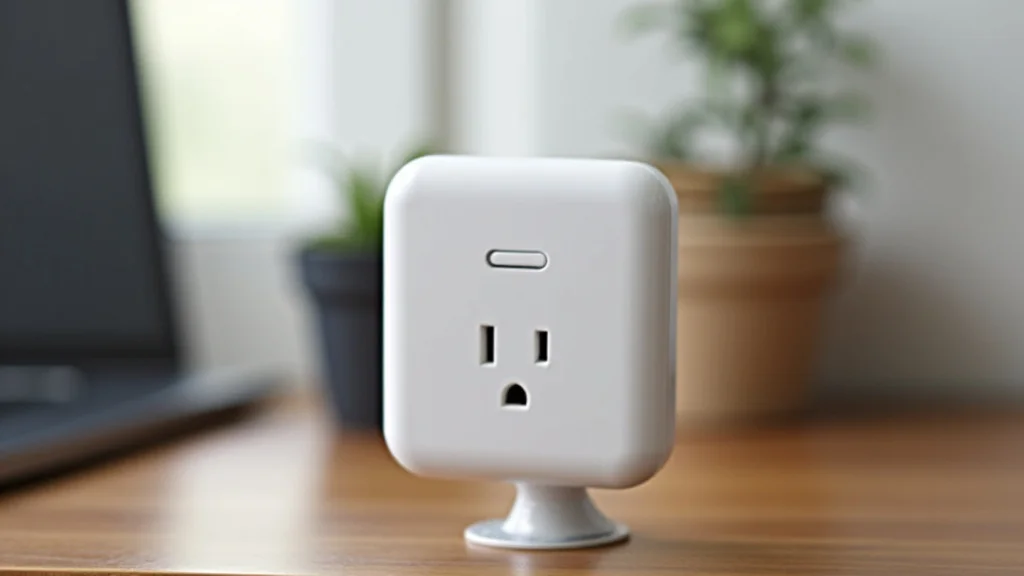
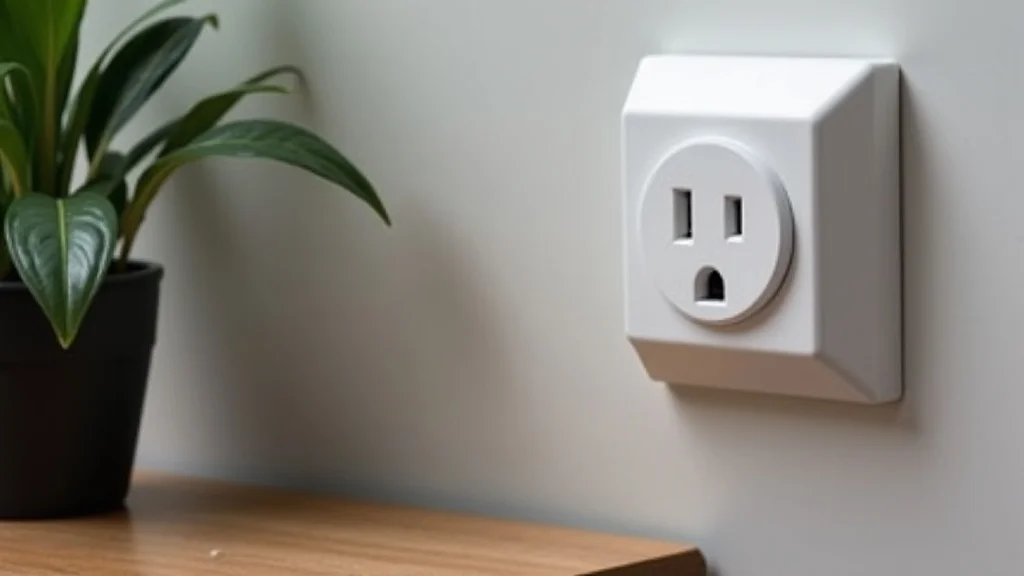
Home assistant smart plugs are small devices that plug into your existing wall outlets. They allow you to control any appliance or electronic device connected to them through a wireless network, typically Wi-Fi. This means you can turn things on or off using your smartphone, tablet, or a smart home hub, even when you are not at home.
They act as a bridge between your conventional appliances and your smart home system.
How Smart Plugs Work
A smart plug connects to your home’s Wi-Fi network. Once connected, it can communicate with a companion app on your smartphone or tablet. This app is your control center.
Through it, you send commands to the smart plug, telling it when to power on or off. Many smart plugs also work with smart home platforms like Home Assistant, allowing for more complex automation.
The core technology involves wireless communication protocols. Wi-Fi is the most common, connecting directly to your router. Some smart plugs might use Bluetooth or Zigbee, which require a separate hub or bridge to communicate with your network and the internet.
This hub acts as a translator, allowing devices that use these protocols to talk to your Wi-Fi network and your smart home system.
- Wireless Connectivity: Smart plugs use Wi-Fi, Bluetooth, or Zigbee to connect to your network or a hub.
- App Control: A smartphone app allows you to manage your smart plugs remotely.
- Integration: Many plugs work with smart home ecosystems for advanced automation.
For instance, a simple Wi-Fi smart plug uses your existing router. You download the manufacturer’s app, follow a few steps to connect the plug to your Wi-Fi, and then you can control it from anywhere with an internet connection. This is a straightforward process that usually takes less than five minutes per plug.
This immediate control is a key benefit for users.
Types of Smart Plugs
Smart plugs come in various forms to suit different needs. Some are basic on/off devices, while others offer advanced features. You can find single-outlet plugs, multiple-outlet smart power strips, and even plugs designed for outdoor use.
Some smart plugs also include energy monitoring capabilities, allowing you to track the power consumption of connected devices.
Energy monitoring smart plugs are particularly useful for identifying energy vampires – devices that consume power even when turned off. By tracking usage, you can make informed decisions about reducing your electricity bill and environmental impact. This feature adds significant value beyond simple remote control.
- Standard Plugs: Basic on/off functionality for general use.
- Multi-Outlet Plugs: Control several devices from one plug.
- Energy Monitoring Plugs: Track power usage for efficiency.
- Outdoor Plugs: Weather-resistant for use in gardens or patios.
The choice depends on what you want to control. If you just need to turn a lamp on and off from your phone, a standard plug is perfect. If you want to manage a computer, monitor, and printer all at once, a multi-outlet power strip is a better option.
For those concerned about electricity costs, an energy monitoring plug is essential.
Benefits of Home Assistant Smart Plugs
The advantages of using home assistant smart plugs extend beyond simple convenience. They contribute to a more efficient, secure, and comfortable living environment. Automating tasks can free up your time and provide peace of mind.
These small devices can have a big impact on your daily life and your home’s overall functionality.
Convenience and Remote Control
The most apparent benefit is the ability to control devices remotely. Forgot to turn off the coffee maker? No problem.
You can switch it off from your office or even while on vacation using the smart plug’s app. This convenience saves time and eliminates worry.
This remote access is facilitated by cloud-based services that your smart plug connects to. When you use the app, your command goes to the manufacturer’s server, which then relays it to your smart plug over the internet. This process allows for global control, provided both your phone and the plug have internet access.
- Turn devices on/off from anywhere: Control appliances via your smartphone.
- Schedule operations: Automate tasks for consistent routines.
- Voice control integration: Use voice commands with assistants like Alexa or Google.
Consider an example: A person leaves for work and realizes they left the fan on. Instead of driving back home, they simply open their smart plug app and turn the fan off. This saves time, fuel, and reduces energy waste.
This is a practical application of remote control that many users find incredibly valuable.
Energy Savings and Efficiency
Smart plugs help reduce electricity consumption. You can schedule devices to turn off when not needed, such as turning off lights at a certain time or shutting down electronics that draw “phantom power” when in standby mode. This leads to lower energy bills and a smaller carbon footprint.
Phantom power, also known as standby power, is the energy consumed by electronic devices even when they are switched off but still plugged in. Many modern devices, like TVs, game consoles, and chargers, consume a surprising amount of power in this state. Smart plugs are excellent for cutting off this continuous drain.
Studies have shown that phantom load can account for up to 10% of an average household’s electricity bill.
| Device Type | Typical Standby Power (Watts) | Estimated Annual Savings (with smart plug) |
|---|---|---|
| TV | 15-30 W | $10-25 |
| Game Console | 10-25 W | $8-20 |
| Computer Monitor | 5-15 W | $5-15 |
| Microwave | 3-10 W | $3-10 |
By using smart plugs to cut power to these devices when not in use, you can achieve noticeable savings. For a household with several such devices, the cumulative effect can be significant over a year. This makes smart plugs an investment that pays for itself.
Enhanced Home Security
Smart plugs can also contribute to home security. You can set lights to turn on and off at random times to simulate occupancy when you are away. This can deter potential burglars who might target empty homes.
The illusion of someone being home can make your house a less attractive target.
This feature is often referred to as “vacation mode” or “away mode.” Many smart plug apps offer presets for randomizing light schedules, making it look like someone is moving around inside. You can program lights in different rooms to come on and off at varied times throughout the evening. This makes the pattern appear less predictable and more natural than simple timed schedules.
- Randomize Lighting: Set lights to turn on and off unpredictably.
- Simulate Occupancy: Deter potential intruders by making the house appear lived-in.
- Combine with other devices: Use smart plugs to turn on radios or TVs to further enhance the effect.
Imagine being on a two-week vacation. By using smart plugs to control your living room and porch lights, you can make it seem as though someone is home and active. This simple automation adds a layer of security that traditional timers might not provide, as it can be programmed to mimic natural human behavior more closely.
Setting Up Home Assistant Smart Plugs
Getting started with home assistant smart plugs is usually a straightforward process. Most plugs are designed for easy setup, requiring just a few simple steps. The goal is to make smart home technology accessible to everyone, regardless of technical skill.
Connecting to Your Wi-Fi Network
The first step is to download the manufacturer’s dedicated app for your smart plug. You will then plug the smart plug into a wall outlet and follow the app’s instructions to connect it to your home’s Wi-Fi network. This typically involves putting the plug into pairing mode and entering your Wi-Fi password in the app.
Pairing mode is a special state the smart plug enters, often indicated by a blinking LED light. This mode allows the plug to be discovered and configured by the app. Ensure your smartphone is connected to the same Wi-Fi network you want the plug to join.
This makes the connection process smoother.
- Download the app: Find the specific app for your smart plug brand.
- Plug in and power on: Connect the smart plug to an outlet.
- Enter pairing mode: Follow app instructions, often involving a button press.
- Connect to Wi-Fi: Select your home network and enter the password.
For example, if you purchase a Kasa smart plug, you would download the Kasa Smart app. You plug the device in, the app guides you through pressing a button on the plug to activate pairing mode, and then you select your home Wi-Fi network from a list. Once connected, the plug will appear in your app, ready for control.
Using the Companion App
Once connected, the app becomes your primary interface for controlling the smart plug. From here, you can turn the plug on or off with a single tap, set schedules, and create custom automations. The app also usually provides firmware updates for your plug.
The app’s interface is designed to be user-friendly. You’ll typically see a list of your connected smart plugs, with clear buttons to toggle them on and off. Scheduling options are usually found in a separate menu, allowing you to select specific times and days for your appliances to operate.
This centralized control simplifies managing multiple smart devices.
- On/Off Toggle: A large button or slider to instantly control power.
- Scheduling: Set specific times and days for automation.
- Timer Function: Automatically turn off after a set duration.
- Device Naming: Personalize the name of each plug (e.g., “Living Room Lamp”).
A common scenario is setting your bedside lamp to turn on automatically at sunset and off at sunrise. You would go into the scheduling section of the app, create a new schedule, select your bedside lamp smart plug, choose “turn on” at sunset, and then create another schedule for “turn off” at sunrise. Many apps also allow for conditional schedules based on weather or other factors.
Integrating with Home Assistant
For users who want more advanced automation and integration with other smart devices, connecting smart plugs to Home Assistant is key. Home Assistant is an open-source home automation platform that allows you to control and automate all your smart devices from a single interface, regardless of brand.
Integrating smart plugs with Home Assistant often involves using specific integrations or add-ons within Home Assistant. Many popular smart plug brands have direct integrations available, meaning Home Assistant can discover and control them without complex manual configuration. For other brands, community-developed integrations or protocols like MQTT might be used.
- Discoverability: Home Assistant can often automatically detect compatible smart plugs.
- YAML Configuration: For some integrations, manual configuration in Home Assistant’s configuration files is required.
- Entity Creation: Each smart plug becomes an “entity” within Home Assistant, which can be controlled and used in automations.
- Custom Dashboards: Create personalized dashboards in Home Assistant to view and control all your smart devices, including plugs.
For instance, if you have Philips Hue smart plugs, Home Assistant can integrate with them directly through the Philips Hue integration. Once connected, you can control your Hue plugs within Home Assistant, include them in complex automations with your Hue lights and other smart devices, and even control them using Home Assistant’s companion app on your phone.
Advanced Uses and Automation Ideas
Once your home assistant smart plugs are set up, the possibilities for automation are vast. They can be the foundation for creating a truly intelligent and responsive home environment that adapts to your needs and routines. Thinking beyond simple on/off commands opens up a world of convenience and efficiency.
Automating Routines
Smart plugs excel at automating daily routines. You can set up a “morning” routine that turns on your coffee maker at 6:30 AM, your bedside lamp at 7:00 AM, and the kitchen lights at 7:15 AM. Similarly, a “goodnight” routine can turn off all unnecessary lights and appliances.
These routines can be triggered by time, by your location (geofencing), or by the status of other smart devices. For example, a routine could start when your smart lock detects you’ve arrived home, turning on specific lights and perhaps a fan. This level of automation creates a seamless living experience.
- Morning Wake-Up: Gradually turn on lights, start a smart kettle or coffee maker.
- Evening Wind-Down: Dim lights, turn off entertainment systems, and activate a night light.
- Departure/Arrival Scenes: Automate lights, fans, or appliances based on whether you are home or away.
A practical scenario involves a “movie night” scene. When you tell your voice assistant “I’m watching a movie,” it triggers an automation. This might dim the main lights, turn on a specific lamp for ambient lighting, and turn off any distracting devices connected to smart plugs, like a secondary television in the background.
Integrating with Sensors
Combining smart plugs with various sensors can lead to highly intelligent automations. For example, a motion sensor could trigger a smart plug connected to a lamp in a hallway, ensuring lights are on only when needed. A temperature sensor could turn on a fan plugged into a smart plug if the room gets too hot.
This sensor-based automation is what truly elevates a smart home. Instead of relying solely on schedules, your home reacts dynamically to its environment and your presence. This not only adds convenience but also enhances safety and energy efficiency.
For instance, a water leak sensor could trigger a smart plug connected to a sump pump or a specific appliance to shut it off immediately.
- Motion Sensors: Automatically turn on lights or fans in occupied rooms.
- Door/Window Sensors: Turn off heating or cooling if a window is left open.
- Light Sensors: Activate lamps or other devices when ambient light drops below a certain level.
Consider a scenario where you have a smart plug connected to a humidifier in a nursery. If a humidity sensor detects that the air is too dry, it can send a signal to Home Assistant, which then activates the smart plug, turning on the humidifier. This ensures a comfortable environment for the baby without manual intervention.
Voice Control Commands
Most smart plugs are compatible with popular voice assistants like Amazon Alexa, Google Assistant, and Apple’s Siri. This allows you to control your plugged-in devices using simple voice commands. It’s an intuitive way to interact with your smart home, especially when your hands are full.
To enable voice control, you typically need to link your smart plug manufacturer’s account to your voice assistant’s app. Once linked, you can use commands such as “Hey Google, turn on the fan,” or “Alexa, switch off the living room lamp.” The voice assistant translates your spoken command into an instruction for the smart plug.
- “Turn on “: Activates the appliance connected to the plug.
- “Turn off “: Deactivates the appliance.
- “Set to 50%”: For plugs with dimming capabilities (less common).
- “Is on?”: Checks the current status of the plugged-in device.
A common use case is asking your voice assistant to “start the slow cooker” in the morning before you even get out of bed. Or, when you’re settling down for the evening, you can say, “Alexa, turn off all the lights,” and the voice assistant will send commands to all your connected smart plugs and lights.
Common Myths Debunked
Several misconceptions surround smart plugs. Understanding the reality behind these myths can help you make informed decisions and get the most out of your smart home devices. Many of these myths stem from early technology or a lack of familiarity with current capabilities.
Myth 1: Smart Plugs Are Difficult to Set Up
Many people believe that setting up smart home devices is complicated and requires technical expertise. However, most modern smart plugs are designed for user-friendliness. The setup process typically involves downloading an app, connecting the plug to your Wi-Fi, and following simple on-screen prompts.
The manufacturers have invested heavily in making the user experience as smooth as possible, often taking just a few minutes to get a plug operational.
Myth 2: Smart Plugs Are Not Secure
Security is a common concern with any connected device. While it’s true that any internet-connected device can be a potential target, reputable smart plug manufacturers implement strong security measures. These include data encryption during transmission and secure cloud storage.
For enhanced security, it’s crucial to use strong, unique passwords for your Wi-Fi network and smart home apps, and to keep device firmware updated.
Myth 3: Smart Plugs Are Too Expensive
The cost of smart plugs has decreased significantly over the years. While premium models with advanced features like energy monitoring might have a higher price tag, basic smart plugs are now very affordable, often costing less than a good quality traditional appliance timer. Considering the potential energy savings and convenience they offer, many smart plugs provide excellent value for their price.
Myth 4: Smart Plugs Only Work with Specific Brands
While each smart plug has its own manufacturer app, many are designed to be compatible with major smart home ecosystems. Platforms like Home Assistant, Amazon Alexa, and Google Assistant can often integrate with smart plugs from various brands, allowing you to control them all from one central location or through voice commands. Always check for compatibility information before purchasing if you plan to use them with a specific platform.
Frequently Asked Questions
Question: Can I use smart plugs outdoors
Answer: Some smart plugs are specifically designed for outdoor use and are weather-resistant. Always check the product specifications to ensure a plug is rated for outdoor environments before using it outside.
Question: Do smart plugs use a lot of electricity themselves
Answer: Most smart plugs consume a very small amount of power when idle, typically less than 1-2 watts. This is usually negligible compared to the devices they control and the energy savings they can provide.
Question: What is the difference between a smart plug and a smart power strip
Answer: A smart plug controls a single outlet, while a smart power strip has multiple outlets, each of which can often be controlled independently or as a group.
Question: Do I need a smart home hub for smart plugs
Answer: Many smart plugs connect directly to your Wi-Fi network and do not require a separate hub. However, some plugs that use protocols like Zigbee or Z-Wave will require a compatible hub.
Question: Can I control my smart plugs if my internet is down
Answer: Generally, no. Most smart plugs rely on an internet connection to communicate with their app or cloud service. If your internet is down, you will likely lose remote control, though some may retain local control functions through a hub.
Conclusion
Home assistant smart plugs offer a simple yet powerful way to automate your home. They bring convenience, energy savings, and enhanced security. With easy setup and broad compatibility, they are an excellent starting point for anyone looking to make their living space smarter and more efficient.